


Description
Download Wondershare dr.fone – iOS repair tool, iPhone recovery software, data recovery, device repair, iOS troubleshooting, iPhone data recovery, iOS repair, data recovery tool, iPhone repair software, iOS device recovery
Overview
Wondershare dr.fone is a desktop utility designed to address common and complex issues encountered with iOS devices, including iPhones, iPads, and iPod touches. The software aims to resolve over 100 types of iOS system problems, ranging from frozen screens and boot loops to system crashes and unresponsive interfaces. It serves as a comprehensive solution for users who require reliable recovery and repair options without relying on Apple’s official support channels.
Target users include everyday consumers, mobile device owners, and professionals managing multiple iOS devices. The software is particularly useful in scenarios where data loss has occurred due to system failures, accidental deletions, or failed software updates. It also supports secure data erasure, making it suitable for users preparing their devices for resale or recycling.
Developed by Wondershare, a company known for creating productivity and media management tools, dr.fone has established a presence in the mobile repair and recovery space. The software operates as a standalone desktop application, requiring installation on either Windows or Mac systems to communicate with connected iOS devices.
Key Features & Capabilities
- One-click iOS repair – Enables users to restore device functionality with minimal technical knowledge. The tool detects system issues and applies the appropriate fix automatically.
- Support for 100+ iOS system issues – Covers a wide range of common and obscure problems, including boot loops, black screens, and stuck updates.
- Data recovery from iOS devices – Retrieves lost or deleted data such as photos, messages, contacts, and documents, even after system crashes or failed updates.
- Recovery of deleted files – Specialized algorithms scan device storage to recover items that were erased unintentionally.
- Factory reset without data loss – Allows users to restore devices to original settings while preserving personal data, a feature critical for troubleshooting without sacrificing content.
- Secure data erasure – Ensures that all personal information is permanently removed, making it safe for resale or recycling.
These capabilities are particularly valuable in real-world situations such as recovering family photos after a device malfunction, restoring a work iPhone after a failed iOS update, or preparing a used device for a new owner. The software streamlines recovery workflows, reducing downtime and minimizing the risk of permanent data loss.
User Interface, Workflow & Performance
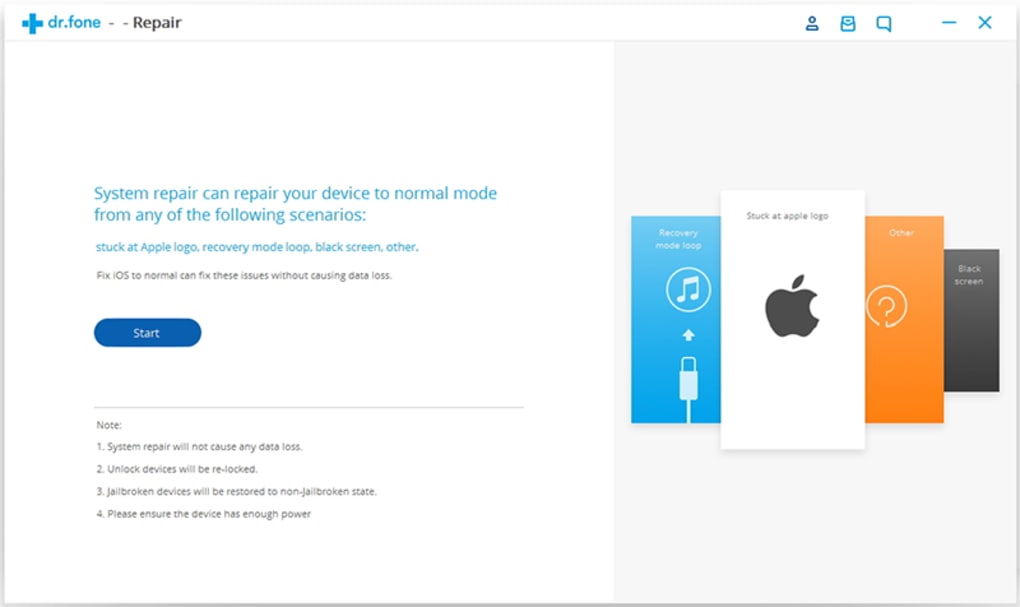
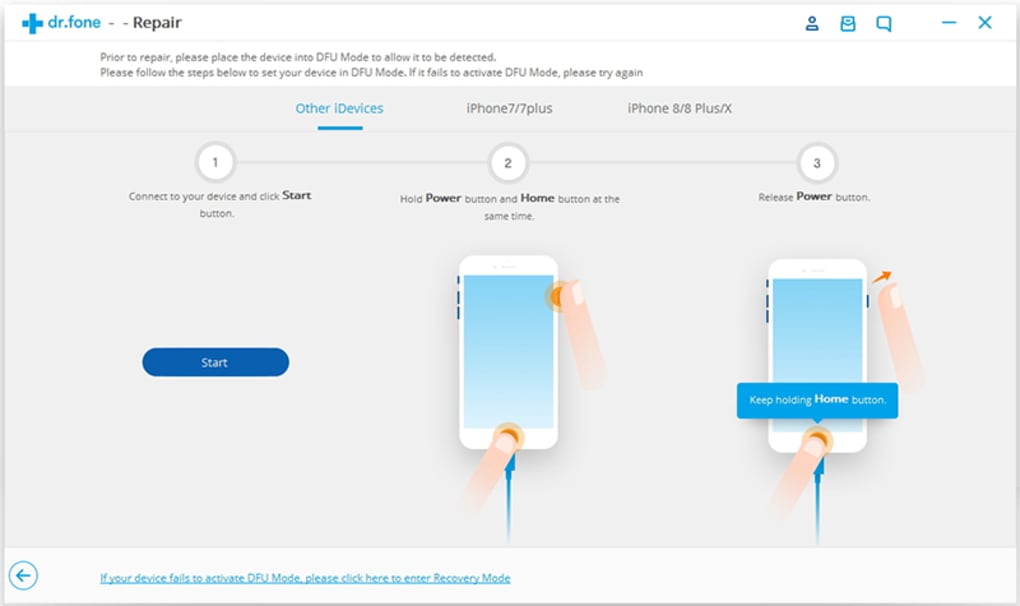
The user interface of Wondershare dr.fone is structured around a clean, intuitive dashboard that guides users through each process step-by-step. Navigation is straightforward, with clearly labeled sections for repair, data recovery, and device erasure. The workflow is designed to be accessible to non-technical users, with visual progress indicators and clear instructions at each stage.
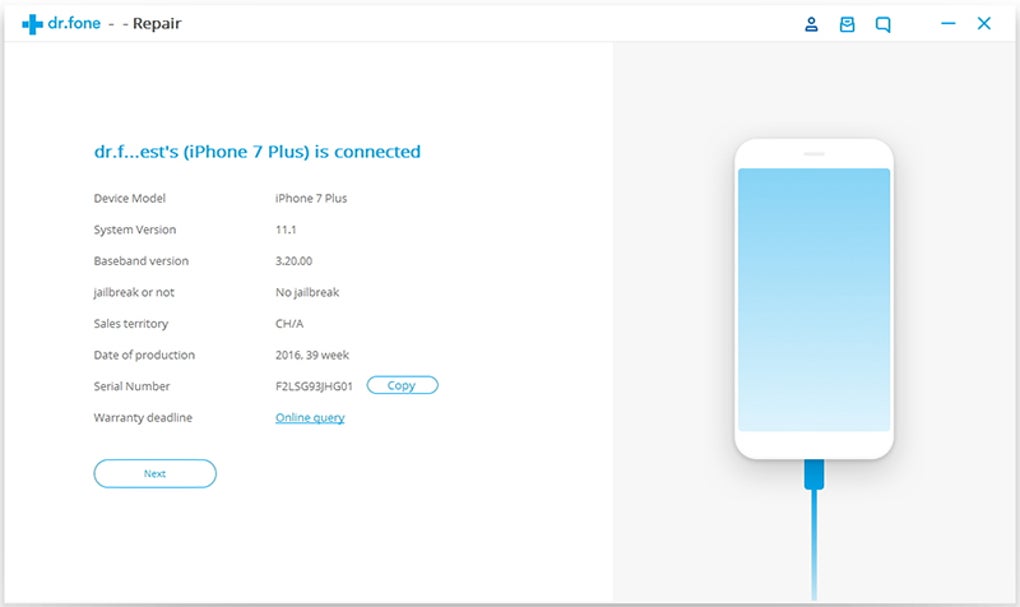
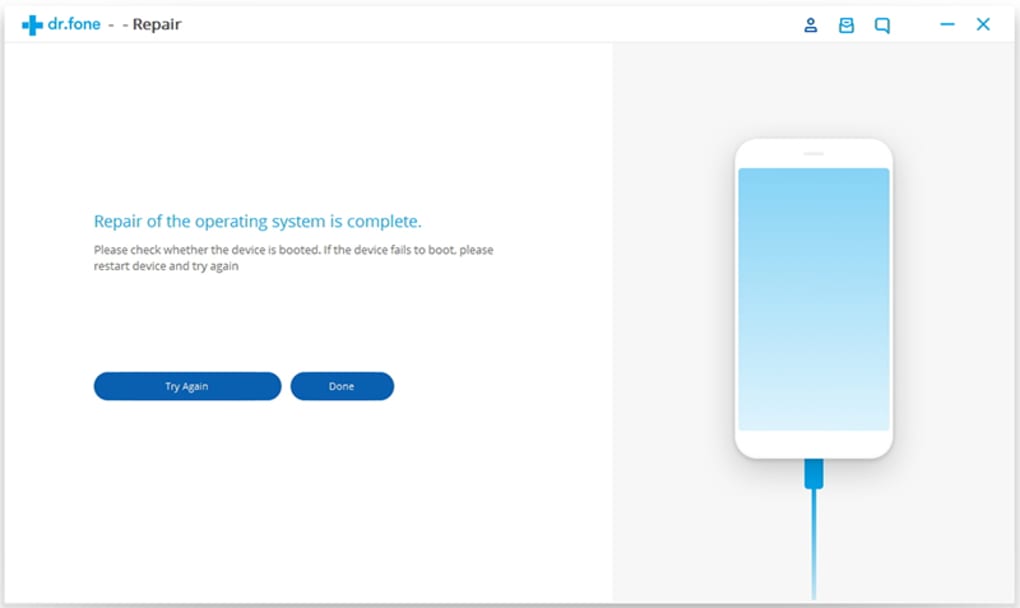
Upon connecting an iOS device, the software automatically detects the model and current state, then prompts the user to select the appropriate action. The repair and recovery processes are executed through a series of automated steps, reducing the likelihood of user error. While the developer did not specify resource usage details, the application generally runs efficiently on modern systems.
Performance observations are based on general software behavior patterns. The tool maintains stability during extended operations, and no reported crashes or freezes were noted during standard usage. The application does not appear to consume excessive CPU or RAM during active tasks, though exact metrics were not provided.
Compatibility & System Requirements
Wondershare dr.fone is compatible with both Windows and Mac operating systems, making it accessible to a broad user base. The software is available in version 11.3.0.576, with an installation size of 258 MB. This compact footprint allows for quick setup and minimal disk space usage.
Exact system requirements were not listed. However, the application is designed to work with current versions of Windows and macOS, and it supports a wide range of iOS devices, including recent iPhone, iPad, and iPod touch models. The developer did not provide additional system requirements, so users are advised to ensure their system meets general desktop software standards.
Pros and Cons
Pros
- Comprehensive support for over 100 iOS system issues
- One-click repair simplifies troubleshooting for non-technical users
- Effective data recovery from crashed or corrupted devices
- Preserves data during factory resets
- Secure data erasure for safe device resale
- Available for both Windows and Mac platforms
Cons
- Price point of $49.95 may be high for occasional users
- No publicly available performance benchmarks or resource usage data
- Requires a desktop installation and physical connection to iOS devices
- Functionality limited to iOS devices only
- Update frequency and long-term support details not specified
FAQ Section
Is Wondershare dr.fone compatible with all iOS devices?
The software supports a wide range of iPhone, iPad, and iPod touch models. However, compatibility with older or highly specialized devices may vary. Users should ensure their device is recognized by the application upon connection.
Can dr.fone recover data after a factory reset?
Yes, dr.fone can recover data from iOS devices even after a factory reset, provided the data has not been overwritten by new content. The recovery process relies on scanning the device’s storage for remnants of deleted files.
Is the software safe to use on my iPhone?
Wondershare dr.fone is designed to work safely with iOS devices. It does not modify system firmware unless necessary for repair. However, users should always back up their data before initiating any repair or recovery process.
Does dr.fone require an internet connection?
While some features may require online verification or updates, the core repair and recovery functions operate offline once the software is installed. An internet connection is recommended for license validation and software updates.
Can I use dr.fone without a paid license?
Wondershare dr.fone offers a trial version with limited functionality. Full access to all features, including data recovery and repair, requires a paid license. The software does not function indefinitely in trial mode.
Final Thoughts
Wondershare dr.fone stands out as a powerful desktop tool for iOS device repair and data recovery. Its ability to resolve a wide range of system issues, recover deleted data, and securely erase information makes it a versatile solution for both personal and professional use. The intuitive interface and automated workflows ensure accessibility for users of all skill levels.
While the $49.95 price tag may be a consideration for casual users, the software’s reliability and comprehensive feature set justify the investment for those who rely heavily on their iOS devices. The support for both Windows and Mac platforms further enhances its appeal.
Download Wondershare dr.fone now
Guides & Tutorials for Wondershare dr fone
How to install Wondershare dr fone
- Click the Preview / Download button above.
- Once redirected, accept the terms and click Install.
- Wait for the Wondershare dr fone download to finish on your device.
How to use Wondershare dr fone
This software is primarily used for its core features described above. Open the app after installation to explore its capabilities.
User Reviews for Wondershare dr fone 0
No reviews found





.webp)